Released
OSTerm
Server work from your phone. Nothing hidden behind the keyboard.
An SSH client for Android, iPhone and iPad — reach your servers, run a shell, move files. Free, no ads, and with nothing held back behind a paywall.
There is also a Windows 10 and 11 version that opens SSH servers and local shells (PowerShell, Command Prompt, WSL, Git Bash) in tabs, moves files over SFTP, sets up port forwarding and is built for AI command-line tools. Port forwarding is in the Windows version only. It is free for everyone, including commercial use at work.
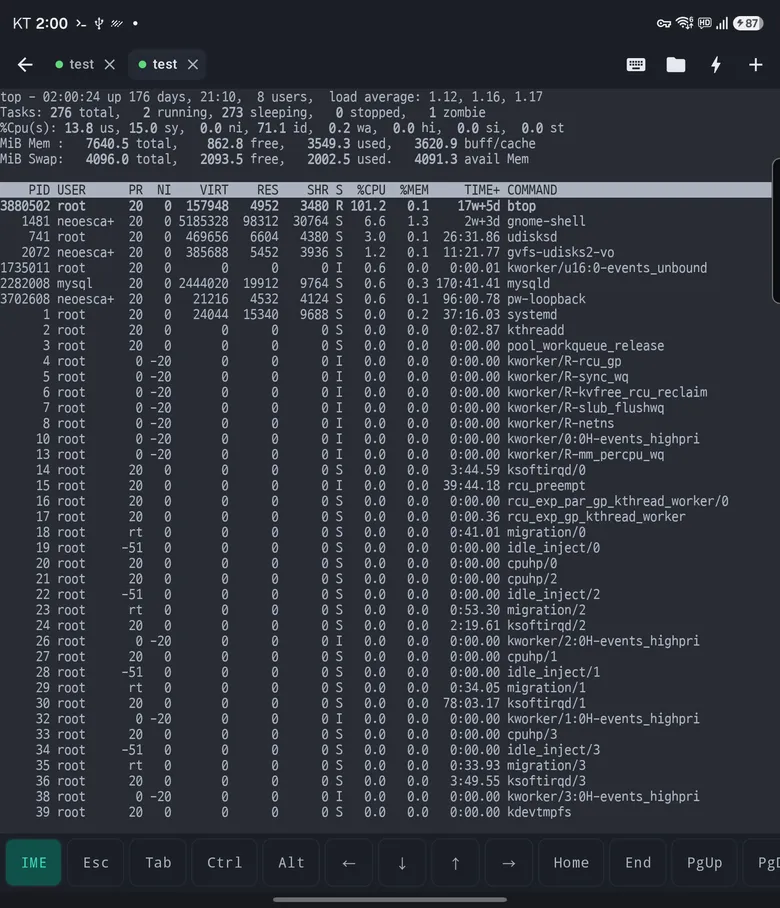
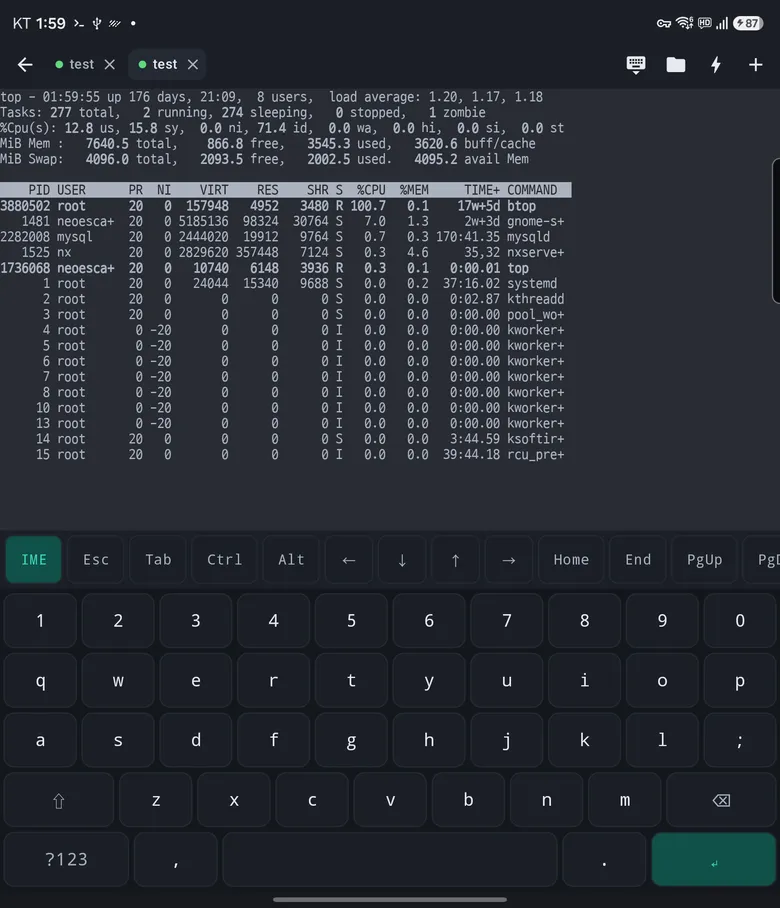
Type on a phone terminal and the system keyboard eats half the screen, taking your output with it. This one never calls the system IME. Its keyboard sits beside the terminal rather than on top of it, so the terminal shrinks to the space that is left and reports that size to the remote shell. Nothing gets covered.
Attach a Bluetooth keyboard and the soft keyboard steps aside on its own. Without one, Esc, Ctrl and the arrows stay in a row under the terminal, so vim is usable.
Korean, Japanese and Chinese go straight into the terminal — composing text appears at the cursor where you are typing, and on a physical keyboard the language-switch key does what it should.
Start a long build, leave the app, and the session stays up. Come back and the output that piled up while you were away is still on screen. iOS only keeps background apps alive for a short while, so on iPhone and iPad a dropped session reconnects from the same tab in one tap.
On an iPad or any wide screen, the profile list and the terminal sit side by side. Backups use the same encrypted file format on both platforms, so your profiles move between Android and iOS as they are.
An optional AI assistant lets you ask Claude, ChatGPT, Gemini, Grok or your own OpenAI-compatible server about what is on the terminal screen, and a command it suggests is typed in or run only when you press the button, unless you switch on running without asking. It stays off until you turn it on and works with your own account at that service. iPhone and iPad have had it since 1.1.0; on Android it arrives with 1.3.0.
It handles server credentials, so nothing is sent to the developer. There is no developer server, and connection details are encrypted on the device. The app talks only to the servers you enter yourself — and, if you turn on the AI assistant, to the AI service you picked, which receives the terminal text when you ask a question.
The latest versions, Android 1.3.0 and iPhone/iPad 1.1.1, were both submitted for store review on 15 November 2026. Until review passes, the stores still offer Android 1.2.1 and iOS 1.1.0.
- Its own keyboard — the terminal is never covered
- Unlimited profiles and tabs, all free
- SFTP and command snippets
- Optional AI assistant — off until you turn it on
- Keys and connection data encrypted on the device
- Host keys are never accepted automatically
- D2Coding and JetBrains Mono built in; seven interface languages on Android and iOS, eight on Windows
- One backup file for Android and iOS
Screenshots